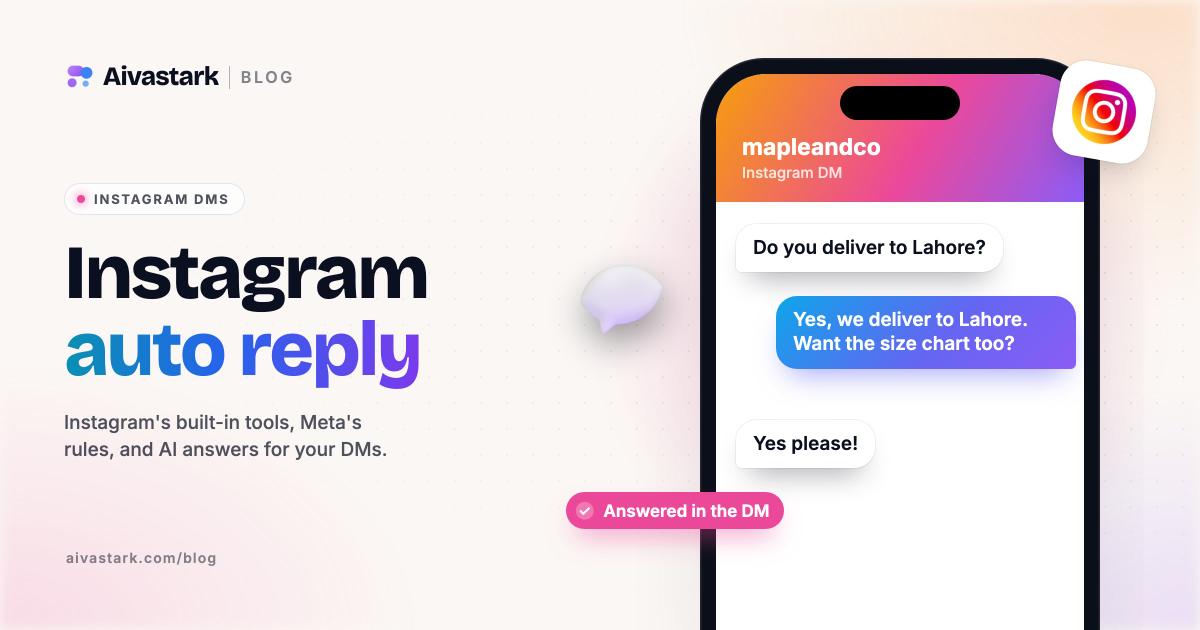
Instagram auto reply is built into business and creator accounts: up to four FAQs with automated answers in the Instagram app, saved replies behind keyboard shortcuts, and instant replies, away messages and keyword replies in Meta Business Suite. Personal accounts get none of these. For AI answers or comment-to-DM funnels, you need a tool connected through Meta's API, and Meta's messaging rules apply.
This guide walks through each built-in option with current menu names, how to turn them off, Meta's rules for automated DMs, why automation stops working, and which tools fit which job. Everything below was checked on Instagram's and Meta's help pages on 22 October 2026.
Can you set an automatic reply on Instagram?
Yes, on a professional account, meaning business or creator. Instagram's FAQ feature, for example, is only available for business and creator accounts. Your options:
| Option | Where you set it | What it does | Sends by itself? |
|---|---|---|---|
| FAQs | Instagram app: Messages > Tools | Shows up to four questions when someone starts a chat, each with an optional automated answer | Yes, the answer |
| Saved replies | Instagram app, inside a chat | Fills in a saved message from a shortcut | No |
| Instant reply, away message, keyword replies | Meta Business Suite Inbox > Automations | Fixed replies to first messages, out-of-hours messages or keywords | Yes |
| Comment to message | Meta Business Suite on desktop | Sends a message reply to comments with your chosen keywords | Yes |
| AI auto replies | Professional dashboard > Your AI | A creator AI you built answers chosen audiences | Yes, where available |
| Third-party tools | Connected through Meta's API | Flows, comment-to-DM, AI answers | Yes, inside Meta's rules |
How do I set up FAQs on Instagram?
Open Messages, go to Tools and add up to four questions with optional automated answers. These are the steps from Instagram's FAQ setup page, the same on Android and iPhone:
- Open Messages. In the Instagram app on a business or creator account, tap Messages at the bottom.
- Open Tools. Tap the more-actions icon, then tap Tools.
- Open Frequently asked questions. Under Tools, tap Frequently asked questions.
- Turn on automated responses. Tap the toggle next to Show Questions.
- Add a question and answer. Under Questions, tap Add Question, enter the Question and an optional Automated Response, then tap Save.
- Add up to four. Repeat for up to four questions. To edit or delete one later, tap it, change it and tap Save.
Two things to know. When someone taps one of your questions, their message goes to your Requests, and you accept the request before you can reply yourself. And if you haven't set FAQs, Instagram may show four suggested questions picked for your account type, such as "What's your return, exchange or refund policy?"
How do I create saved replies on Instagram?
Save a message you've already sent and give it a shortcut. Meta's page on the Instagram professional inbox describes it: hold down a message you've sent, tap More, then tap Save, and create a keyboard shortcut. To use it, type the shortcut as your message and tap the chat icon that appears to fill in the reply. Instagram may also suggest saved replies as you type.
Saved replies make you faster. They don't answer anyone while you're away.
Is there a way to auto send a message on Instagram?
Yes. Meta Business Suite's Inbox automations reply on their own, and they work for Instagram business accounts connected to Meta Business Suite. On desktop:
- Go to Inbox in Meta Business Suite.
- Click Automations, then Create automation in the top right.
- Pick a template: Auto reply (a greeting for someone's first message, which Meta's overview page calls Instant reply), Away message, Frequently asked questions, Location, Contact information, Hours, Custom keywords or Comment to message.
- Click Create automation and follow the on-screen steps. Switch it on or off with the toggle under Status.
In the mobile app, tap Inbox, the three-dots icon, then Automations, pick a template and switch on Instagram under Platforms. Business Suite FAQs take up to five questions, and away messages run only during the hours you schedule.
Keyword automations need care. They're desktop only, take up to five keywords or phrases, and are case-sensitive, so a message has to match exactly. Business Suite sends them after 15 minutes unless you reply first, and if a template automation such as your away message also triggers, only the template reply goes.
Creators have one more option. If you've built a creator AI in Meta AI Studio, AI auto replies let it answer people you don't follow, followers you don't follow back, or people you choose. Instagram says it's being introduced gradually.
How do I turn off auto reply on Instagram?
Switch off whichever feature is sending it:
- FAQs: go back to Messages > Tools > Frequently asked questions and turn off Show Questions.
- Business Suite automations: in Inbox > Automations, turn off the toggle under Status.
- AI auto replies: go to Professional dashboard > Your AI, then turn off Auto replies. For one chat, tap the person's name at the top, tap AI auto replies and turn it off.
- A third-party tool: disconnect it in the tool. Meta's developer guide puts the master switch at Instagram Settings > Messages and story replies > Message controls > Connected Tools > Allow Access to Messages.
How can I automate comment replies on Instagram?
Use Meta Business Suite's Comment to message automation or a tool built for comment-to-DM. The desktop setup page says it can "send a message reply to comments on your posts that contain specific keywords or phrases", though Meta notes some automations aren't available on every channel.
Third-party tools do this with Meta's private replies. A business can send one message to someone who commented, within 7 days of the comment (for Live comments, only during the broadcast). The conversation continues only if that person replies.
That is Manychat's home ground: its pricing page says you can "automatically reply to comments and messages", and Manychat Free allows up to 4 active automations. Aivastark, by contrast, doesn't reply to comments today; it answers DMs.
What are Meta's rules for automated Instagram DMs?
The customer messages first, and your tool replies inside a window. From Meta's Instagram messaging API docs and messaging policy:
- No cold DMs. An app can message an Instagram user only after that person has messaged your professional account. The one exception is the single private reply to a comment above.
- The 24-hour window. "For most user actions, it lasts 24 hours", starting from the person's message.
- Human agent tag. A tool can tag a reply to use a separate 7-day Human Agent window, meant for a person on your team replying manually.
- Say it's automated. Automated chats must disclose that they're automated where the law requires it, and Meta recommends doing so anyway.
Why isn't my Instagram DM automation working?
Usually one setting or one rule. The documented causes:
- Personal account. FAQs and automations need a business or creator account.
- Not connected. Business Suite automations need the account connected to Meta Business Suite. Tools that connect with Facebook Login also need a Facebook Page connected to the Instagram account.
- Message access off. The Allow Access to Messages toggle under Connected Tools must be on for API tools.
- Missing permissions or app review. Tools need messaging permissions, and Meta expects app review, with Advanced Access for apps serving accounts they don't own.
- Window closed. More than 24 hours have passed since the customer's last message, or they never messaged you.
- Keyword mismatch. Keywords are case-sensitive, and a triggered template automation wins over a keyword one.
- Meta Business Agent switched on. Meta says turning it on pauses existing automations, such as away messages and instant replies.
- Region. Meta's setup page warns that some organic messaging features are unavailable for businesses and ads delivered to and from Europe and Japan.
Is there an automatic DM tool for Instagram?
Yes: Meta's own automations above, plus third-party tools that connect through Meta's API. The two we get asked about most do different jobs.
Full disclosure: Aivastark is our product. It answers Instagram DMs with AI, from Aivastark's Starter plan at $39 a month, using your website, uploaded files, FAQs and Shopify or WooCommerce catalog. It replies in the script the customer writes in (Roman Urdu gets Roman Urdu), answers voice messages in text, and hands the chat to a person in your unified inbox. When your team replies, the agent steps back.
| Manychat | Aivastark | |
|---|---|---|
| Built for | Comment-to-DM, flows and broadcasts | Answering customer DMs with AI from your own content |
| Replies to comments | Yes | No, DMs only |
| Plan with AI | Manychat Pro, $39 a month for 2,500 active contacts | Aivastark Starter, $39 a month for 5,000 credits (one standard reply is one credit) |
| Free plan | Manychat Free: 25 active contacts, up to 4 active automations | Aivastark Free: website widget only |
| Trial | Two-week free trial of Manychat Essential or Pro | 7-day trial on paid plans, card required |
Manychat is the better choice for comment-to-DM funnels and broadcasts, and because it bills per person, long conversations cost little. Aivastark fits when DMs are support questions ("is this in stock?", "where's my order?") that need answers from your own content. Many stores run both. More detail in Aivastark vs Manychat, how Aivastark works on Instagram, our guide to AI social media responses and pricing.
Bottom line
Start free: set up four FAQs in the Instagram app, save your common answers as saved replies, and add an away message in Meta Business Suite. Add a third-party tool when the free options run out: Manychat if comments drive your sales, an AI agent if your DMs are full of questions. Whatever you use, Meta's 24-hour window and "they message first" rule apply. Selling on WhatsApp too? Read our WhatsApp auto reply guide.
Frequently asked questions
Can I schedule a DM on Instagram?
Yes, in the Instagram app on Android, iPhone and iPad, but not on a computer. Open a chat, type your message, then tap and hold the send button and pick a date and time, which follow your device's time zone. Only text can be scheduled, not photos, videos or GIFs. Only you see the message until it sends.
Do I need a business account for Instagram auto replies?
You need a professional account, either business or creator. Instagram's FAQs with automated answers work only on business and creator accounts. Meta Business Suite automations work for Instagram business accounts connected to Business Suite. AI auto replies need a professional account with a creator AI built in Meta AI Studio. A personal account can't use any of these.
Can an Instagram automation message someone who hasn't messaged me?
No. Meta's Instagram messaging API lets an app message someone only after that person has messaged your professional account. The one exception is a private reply to a comment: a single message, sent within 7 days of the comment. After that, the conversation continues only if the person replies. Cold DMs through automation aren't allowed.
How long can a tool keep replying to an Instagram DM?
For most user actions, Meta's messaging window lasts 24 hours from the person's message, and a new message from them restarts it. A tool can tag a reply to use a separate 7-day Human Agent window, which is meant for a person on your team replying manually. After that, wait for the customer to message again.
Does Aivastark reply to Instagram comments?
No. Aivastark answers Instagram DMs, as well as WhatsApp, Messenger and Telegram messages, but it doesn't reply to comments, send comment-to-DM messages or answer story replies today. For comment-to-DM funnels, use Manychat or Meta Business Suite's Comment to message automation, and let an AI agent handle the questions that arrive in your DMs.
Sources
- Instagram Help Center: Frequently Asked Questions on Instagram Chats
- Instagram Help Center: Set Up Frequently Asked Questions on Chats
- Meta Business Help Center: About professional features in Instagram Direct professional inbox (saved replies)
- Meta Business Help Center: About Inbox automations in Meta Business Suite
- Meta Business Help Center: Set up Inbox automations in Meta Business Suite on desktop
- Meta Business Help Center: Set up Inbox automations on Meta Business Suite mobile app
- Instagram Help Center: How to turn on or off AI auto replies for Instagram
- Instagram Help Center: Schedule a message in a chat on Instagram
- Meta for Developers: Instagram API with Instagram Login, Send Messages
- Meta for Developers: Get started with Instagram Messaging
- Meta for Developers: Instagram private replies
- Meta for Developers: Messenger Platform and IG Messaging API policy
- Manychat pricing